Shopify’s Checkout Sunset Exposed a Hidden Cost of Customization
By Caleb Odom6 min read
On Aug. 26, 2026, Shopify sunset script tags on its Thank you and Order status pages for non-Plus stores. A corresponding deadline for Plus stores had passed the year before. Merchants that depended on older checkout customization methods had to work with supported extensions instead. It’s a sharp reminder that a customization can keep working today while already carrying a future replacement bill.
Shopify’s official checkout guidance lays out ways to make the transition, including supported apps, custom extensions and service partners. It also advises reviewing connected checkout changes together when possible. Shopify doesn’t say every store needed a custom rebuild. That’s the decision I find interesting from a business development perspective: Which pieces of old custom work still deserve to be paid for, and which should be retired instead of copied?
The original project price wasn’t the full cost
A feature can solve an immediate problem and be worth every dollar spent on it. That doesn’t make its maintenance free. Software platforms change their rules, available interfaces and supported methods. When your business relies on customized behavior, somebody has to understand those dependencies and budget for the day they change.
Too many purchasing conversations end at the launch estimate. The demo works, the contract has a delivery date and the approval is signed. Then the team forgets why a particular script was added. Years later, someone receives a retirement notice and is asked to recreate the old setup on a new platform. The company is buying the same business capability a second time without first checking whether it still needs it.
Shopify’s checkout sunset makes that risk tangible. An old customization isn’t a permanent asset just because the business has already paid for it. The useful asset is the capability customers and employees still need. The code is one way to provide it.
Inventory the dependency before ordering the replacement
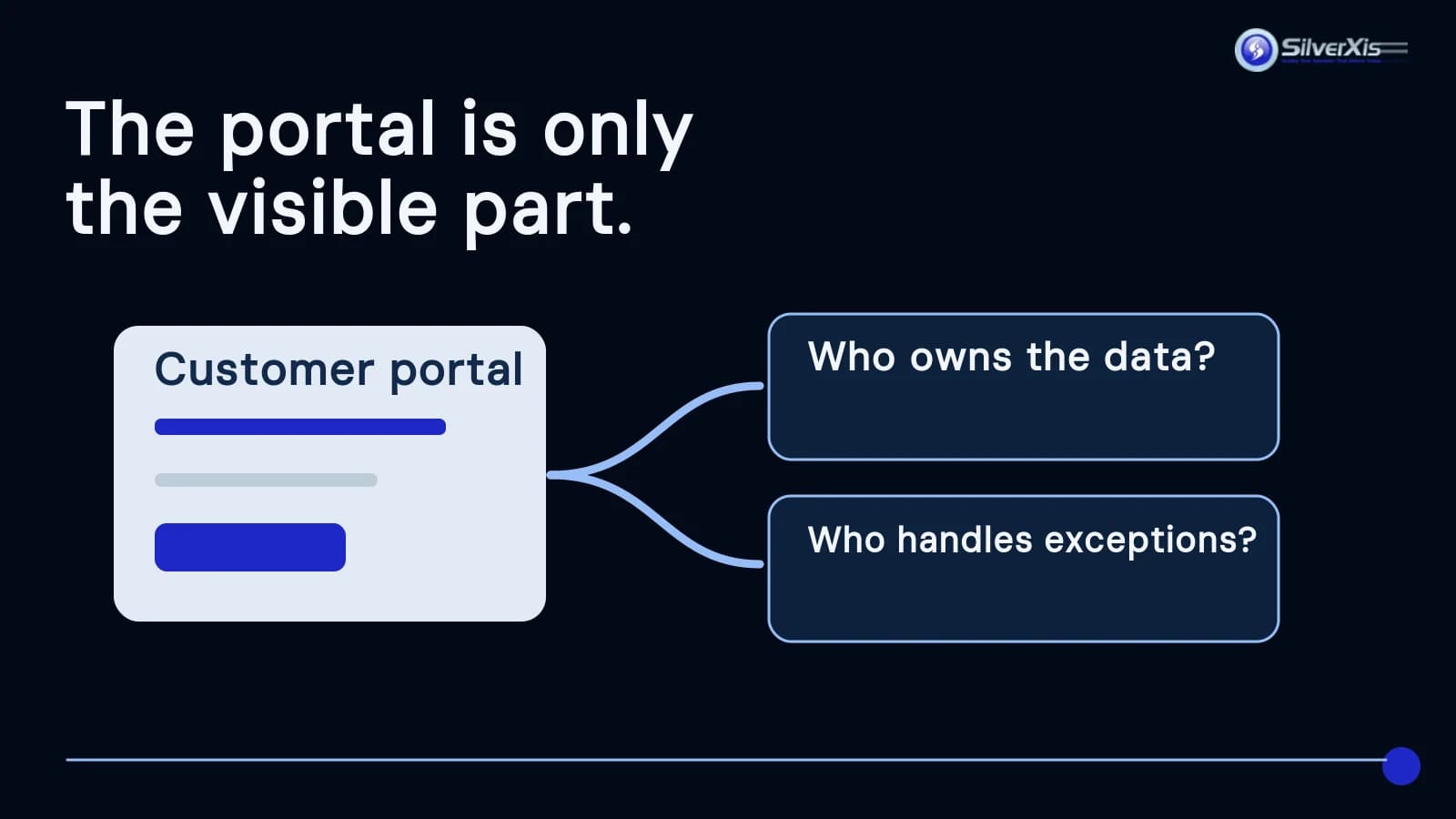
A platform migration budget should start with a list of the affected functions and the reason each exists. That inventory is not just a technical list of files. It should answer what the function does, who relies on it and whether the newer platform already offers a supported equivalent.
For checkout, the list might include how a discount is applied, what a buyer sees after purchase or which information a team needs to complete an order. Those are categories to inspect, not claims about a particular merchant’s old store. The important step is to trace what would stop working and what would happen if it did.
Shopify describes a report that helps merchants identify existing checkout customizations and map them toward extensions. That kind of inventory prevents a vague request for a full rebuild from becoming the default. It also gives buyers a way to separate a required fix from an improvement they simply want to make while the code is being touched.
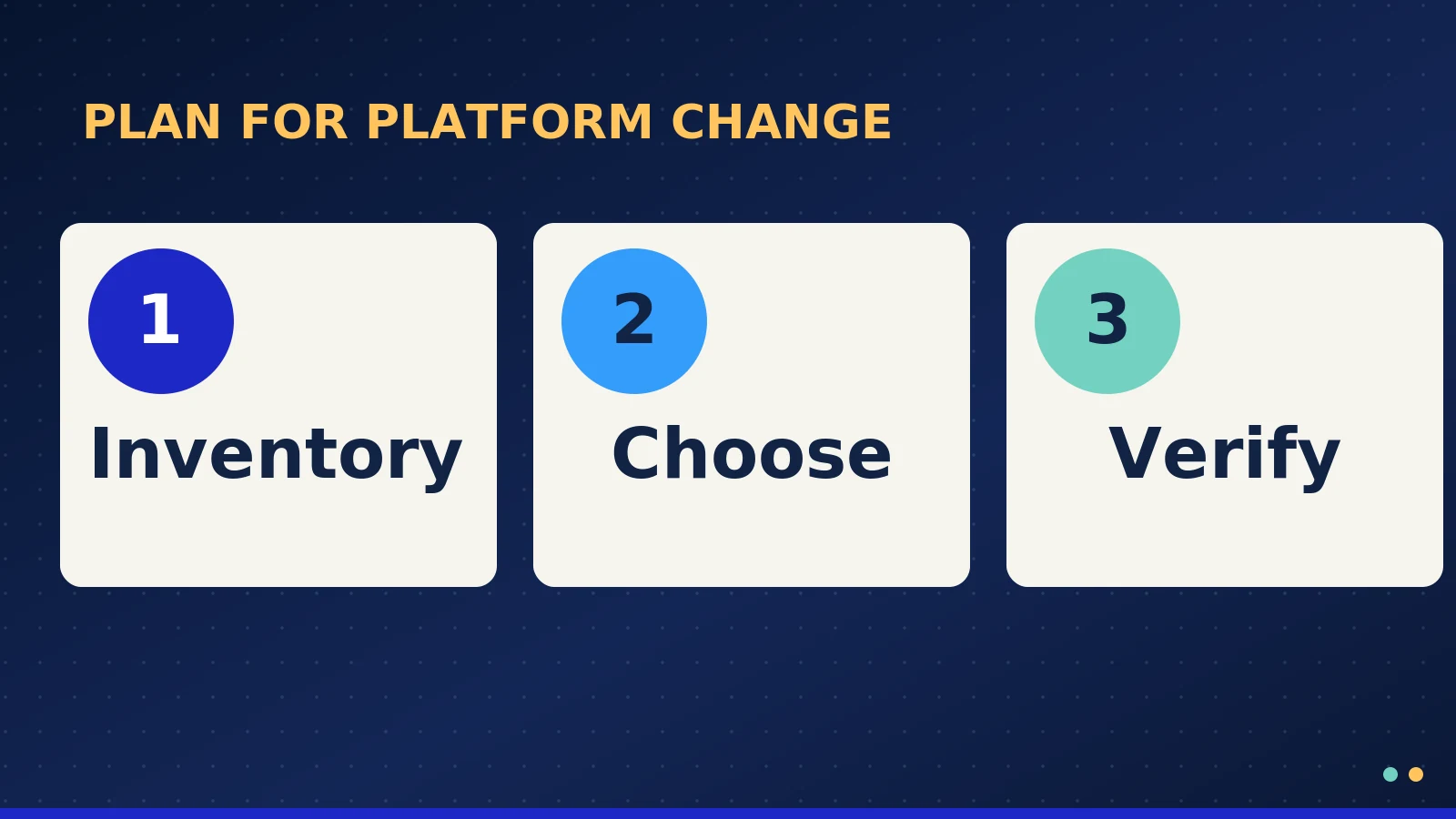
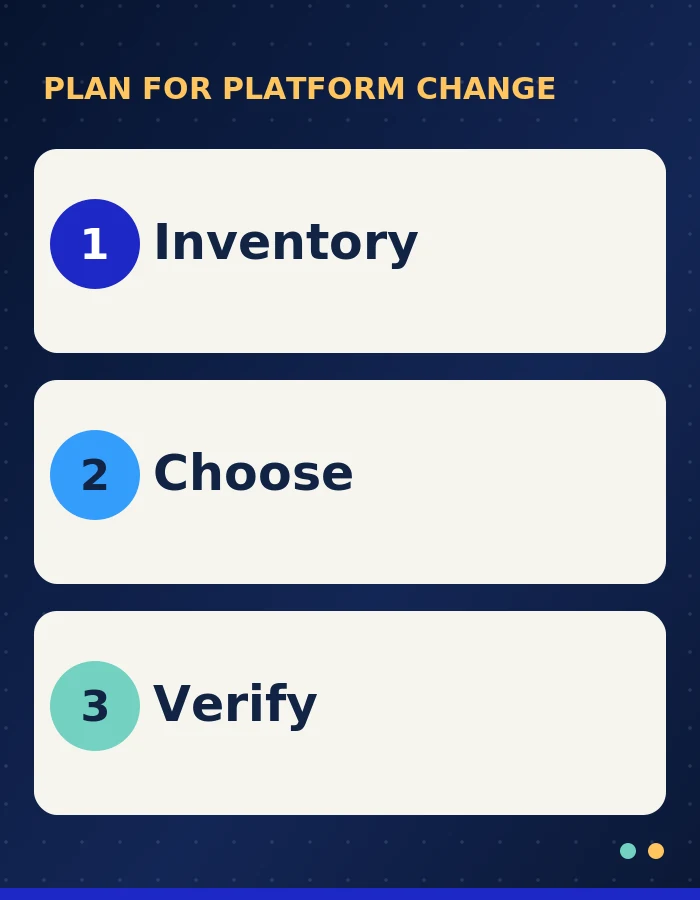
Platform transition: inventory custom functions, select a supported path and verify that the business need remains.Platform transition: inventory custom functions, select a supported path and verify that the business need remains.
Price three choices, not one predetermined answer
The first option is to use what the platform already supports. For a routine need, a supported app or standard feature can be easier to maintain than custom code. The second is to build an extension when the business process truly requires behavior the supported options don’t provide. The third is to stop doing something that no longer earns its cost.
Those options need more than a single implementation quote. Ask about ongoing subscriptions, future platform changes, testing obligations and who maintains the result. A cheaper build can be the wrong deal if nobody owns the next update. A more elaborate build can be wasteful if the business need can now be handled by the platform itself.
This is not an argument against custom software. SilverXis builds it when the organization’s work requires an approach an existing tool cannot reasonably cover. We also believe clients should see the scope, tradeoffs and price before development. The same discipline should apply to replacing a feature that was custom built years ago.
Keep proof of value with the feature
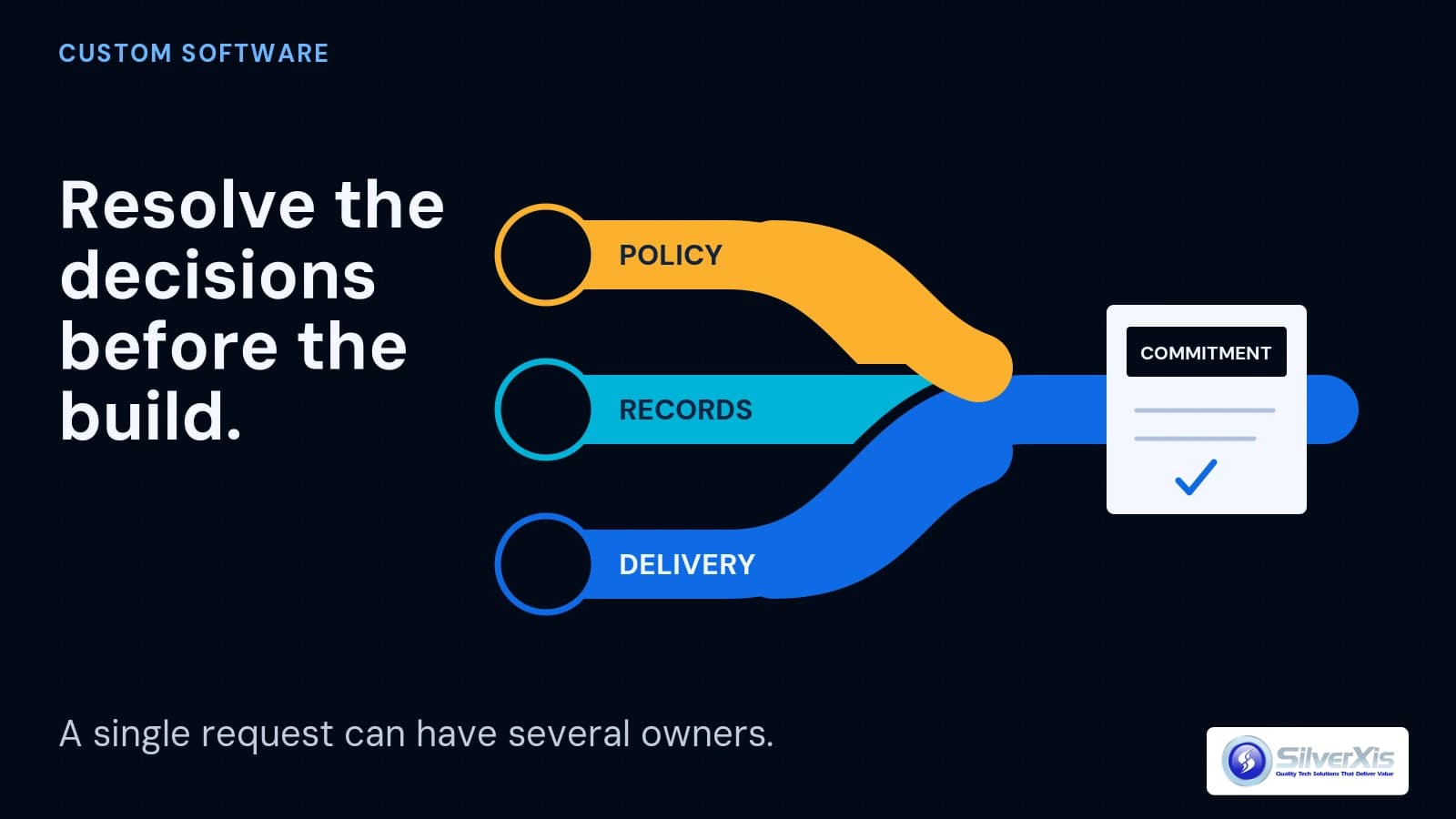
I’d want the decision record to survive the project. It can be short: what business need was approved, which alternative was rejected and why, who accepts the new behavior and which platform dependency should be watched. Future buyers then inherit more than a pile of code and a receipt.
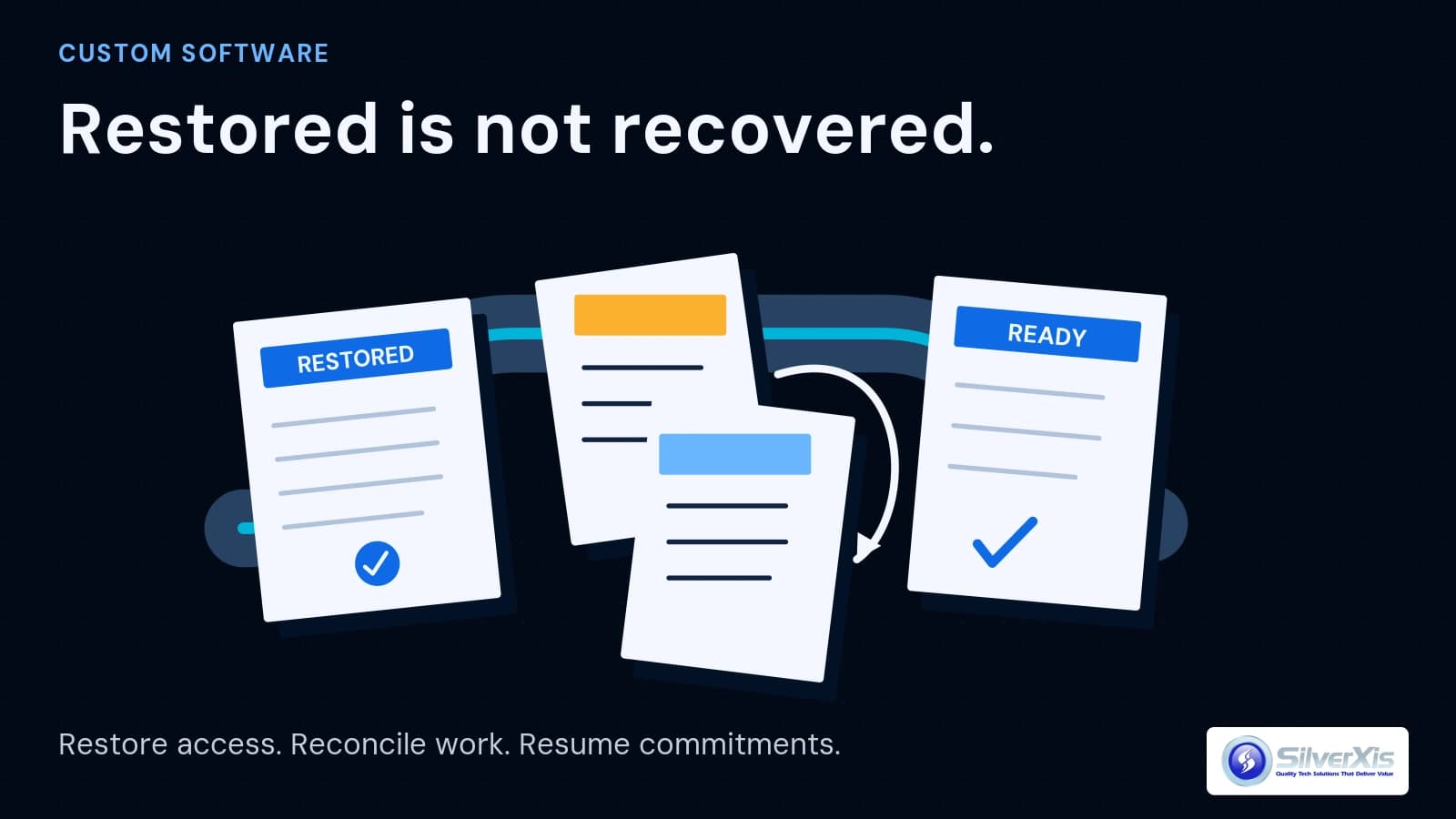
Once the new approach is installed, test the experience that justified spending the money. A technical check can show that an extension loads. It cannot by itself show that the buyer receives the right confirmation or that the business can complete the next step. Choose a small set of representative transactions and check what people actually need to do afterward.
The Shopify example doesn’t prove that customized platforms are bad investments. It shows that software has a working life after its launch date. A smart technology purchase includes a plan for the next change, not just a price for the first one.
If you’re facing a platform retirement or an aging customization, start with SilverXis’s Build Plan (Map My Solution). Choose Get a Build Plan to price the supported option, the custom option and the work your business can stop paying for.
Caleb Odom is Director of Partnerships at SilverXis. His business-development work spans custom software, IT staff augmentation and digital marketing. He helps organizations examine their needs, understand dependencies and evaluate potential approaches. His perspective centers on how stakeholders make buying decisions and connect a service investment to a useful business outcome.
No commitment required · Response within 24 hours · Free discovery call
We use cookies to understand how our site is used. Necessary cookies keep the site working. With your permission, we’d also use analytics cookies to improve it. You can change your mind anytime in Cookie settings. Cookie Policy